
Keep your desktop dev environment. Reach it from anywhere, in 2D or in VR.
Codori is a self-hosted control plane that runs on the machine where your repositories already live, and puts Codex in your browser, your phone, or your headset.

Every Git project Codori discovers under your root directory shows up in the
sidebar, ready to open. Scanning skips generated directories such as
node_modules, dist, and build, so a repository nested inside one of those
stays hidden.

Threads are real Codex sessions with the same turns, reasoning, diffs, and file edits you get on the desktop. Close the tab, come back tomorrow, resume where you left off.

The same session works on a phone, because a laptop is not always within reach.

npm install -g @codori/cli
codori start --root ~/Project
That is the whole setup. Codori prints where it is listening:
✔ Codori listening on http://127.0.0.1:4310
✔ Tailscale Serve configured: https://my-host.your-tailnet.ts.net/
  root       /Users/you/Project
  dashboard  http://127.0.0.1:4310/
  immersive  http://127.0.0.1:4310/xr/
Open the dashboard and pick a project. Nothing else to configure.
The HTTPS line appears when the host is already on a tailnet with MagicDNS and
Codori is allowed to write a Serve config. Without that, Codori keeps serving on
loopback and prints why. Remote Access
covers the prerequisites, including the one-time
sudo tailscale set --operator=$USER step.
Prefer not to install anything?
npx @codori/server start --root ~/ProjectRequires Node.js 22.22.2+. A matching Codex CLI ships with the package, so a
separate codex install is not required.
Codori fits if:
- your repositories live on one machine (workstation, home server, mini PC) and you want to reach them from a laptop, tablet, phone, or headset
- you keep many Git repositories under one parent directory
- you already trust your local tooling and would rather not rebuild your workflow around someone else's cloud
- you have Tailscale, or another private network you control, and want to keep network access in your hands
Codori is the wrong tool if you want a hosted service, public URLs, or team accounts. It has no built-in authentication and assumes the host machine is trusted, so keep it on a private network.
XR is optional, but it is one of Codori's most distinctive ways to work. Open
any thread's immersive action and Codori hands the same coding session to the
WebXR workspace at /xr/, where you can talk to Codex hands-free while it works
on the repository sitting on your machine.
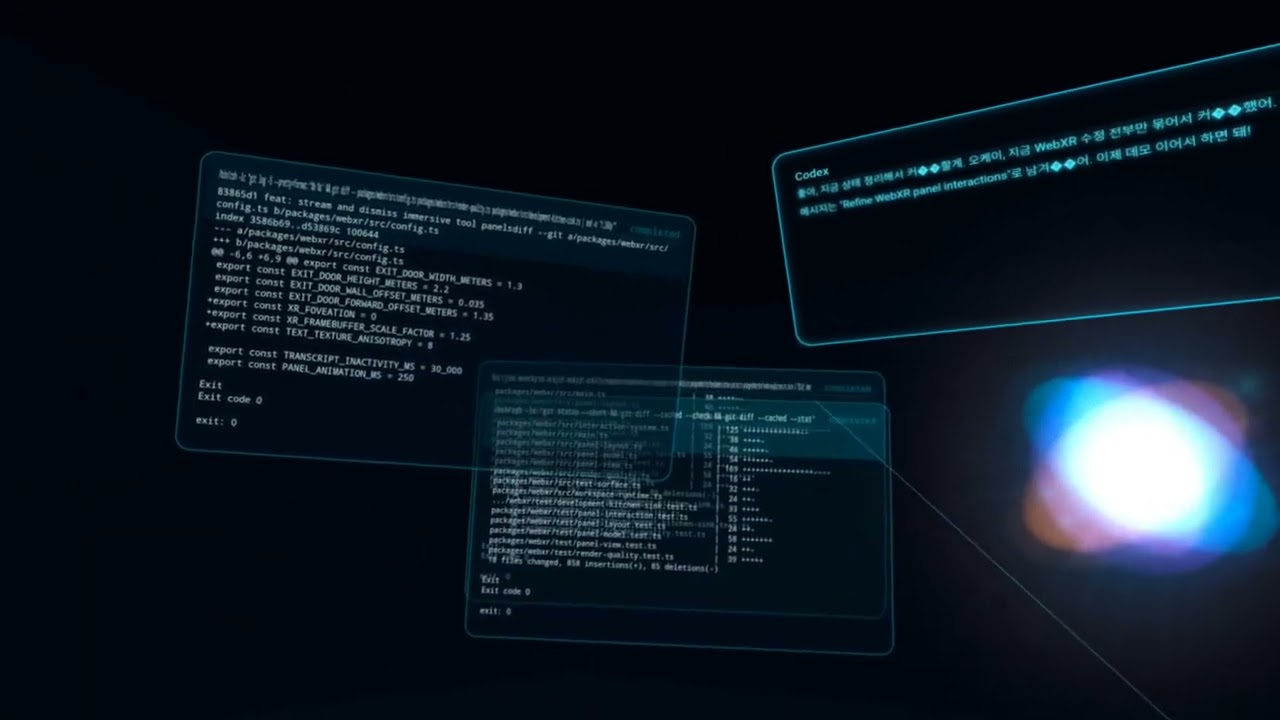
Headsets need a secure HTTPS origin. Set up
Remote Access before
reaching /xr/ from a device other than the Codori host.
Your environment stays yours. Codex runs on your machine, against your real checkouts, with your local tools. Codori adds a thin layer of remote control, not a new platform to migrate into.
Small on purpose. Codori handles project discovery, runtime control, and Codex access. It is not a VPN, an ingress proxy, an auth platform, or a deployment layer. Connectivity is Tailscale's job, and Tailscale does it better.
Coding is not only a desk activity. Voice and XR are not demos bolted on the side. Being able to think through a change while walking around, or review a diff from a phone, changes when work can happen.
Everything past "it works" lives in the Codori Wiki. Good places to start are:
- Remote Access for Tailscale Serve, HTTPS, and access from another device
- Configuration for
CLI flags, ports, and
~/.codori/config.json - Development for local builds, tests, and the release flow
Use the Wiki navigation for feature guides, runtime details, and security notes.
codori --help covers every command and flag.
Codori is a pnpm workspace with four published packages: @codori/cli,
@codori/server, @codori/client, and @codori/webxr.
pnpm install
pnpm lint && pnpm typecheck && pnpm test
pnpm run:local
pnpm run:local builds everything and serves Codori on
http://127.0.0.1:4310 with the repository's parent directory as the project
root. See Development
for the rest, and docs/prd.md for the product specification.
Issues and pull requests are welcome at comfuture/codori.