[No QA] Docs updates for E/A#99309 Document Reconciliation - All Expenses export template - #100629
[No QA] Docs updates for E/A#99309 Document Reconciliation - All Expenses export template#100629MelvinBot wants to merge 2 commits into
Conversation


Co-authored-by: Nguyen Van Duc <dukenv0307@users.noreply.github.com>
 MelvinBot
added
the
HelpDot
MelvinBot
added
the
HelpDot

|
@MelvinBot Complete the checklist |

|
🤖 Checklist completed — but one documented step doesn't match the code I filled in the PR Author Checklist (40/40), plus the
|
| Doc claim | Code |
|---|---|
Label is exactly Reconciliation - All Expenses |
CONST/index.ts:2045, en.ts:11052 |
| Visible only to workspace admin or card admin of a workspace with company cards or the Expensify Card enabled | PolicyUtils.ts:825 (isAdminOfCardEnabledPolicy) |
| Template added to the default group only when that rule passes | Search.ts:2008 (includeReconciliationAllExpenses), useSearchBulkActions.ts:638 (hasCardEnabledAdminPolicy) |
| Role labels Workspace admin / Card admin | en.ts:4843-4849 |
| Menu item is labelled Card statements | en.ts:9401 |
Per the test-selection matrix, a markdown-only content change under docs/articles triggers no required-local AI tests — no app code, shell scripts, translations, styles, patches, or docs routing/config files changed. CI spellcheck, verify, validate, and check all pass.
Web test steps verification results: ❌ fail
I also tried to walk the documented steps in the app on web, but couldn't: the test account has no workspace, no expenses, and no reports, so every documented flow is blocked at its first UI action. Reports > Expenses shows "No expenses yet", Reports > Reports shows "No reports yet", and the Spend sidebar has only an Expense reports group — no Accounting or Reconciliation entries at all, which is consistent with the code gating those on a workspace and a card feed.
| Step | Status |
|---|---|
Reports > Expenses — select an expense checkbox, click Selected, confirm Export option in menuPage shows "No expenses yet — Create an expense or take a test drive of Expensify to learn more." No expense rows exist, so there is no checkbox to select and no "Selected" button ever appears.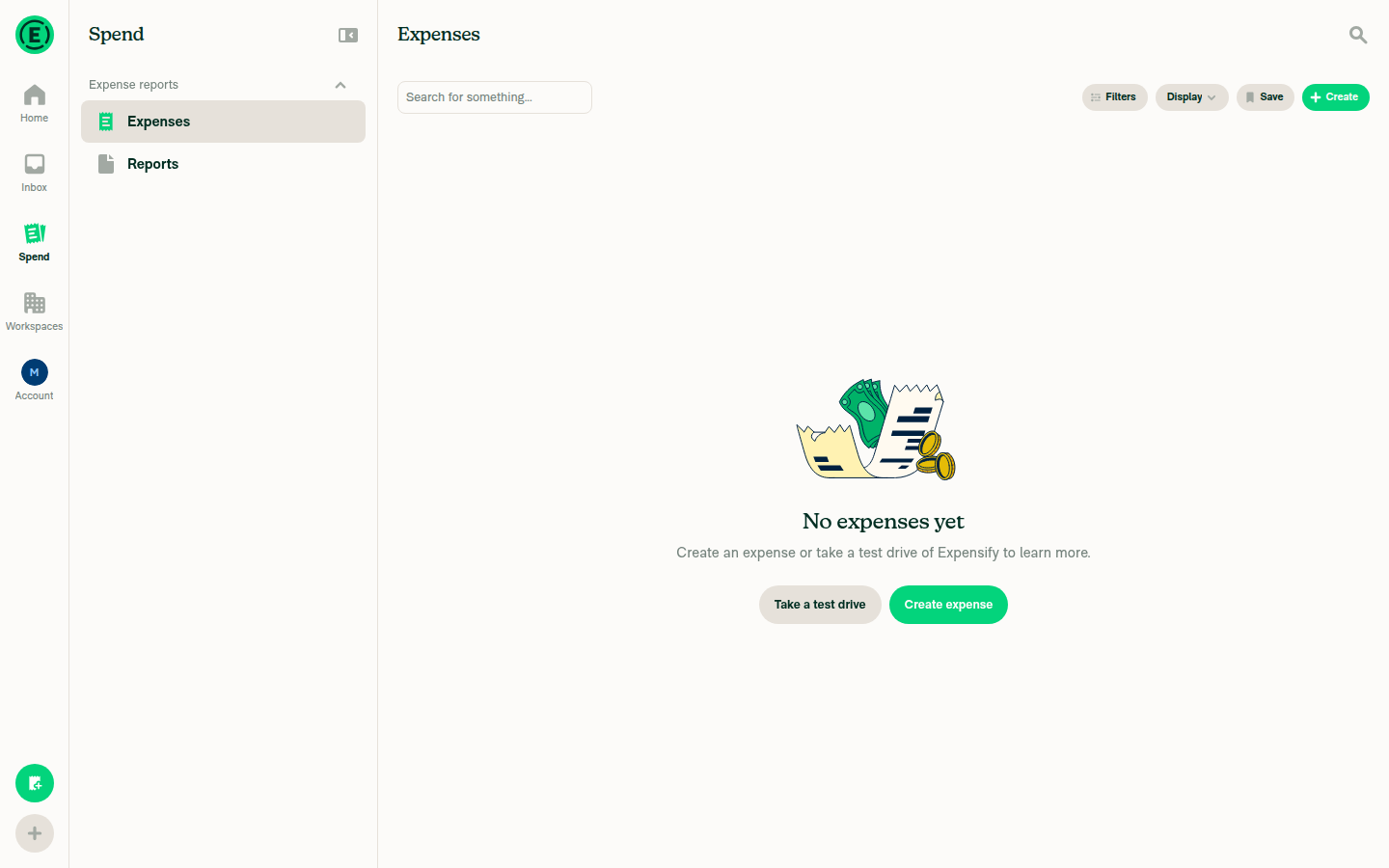 |
❌ |
Open the Export submenu on the Expenses page and list the template namesUnreachable — no expenses exist to select, so the "Selected" button and its Export submenu never render. Could not confirm or deny the presence ofReconciliation - All Expenses in the live menu. |
❌ |
Reports > Reports — select a report, click Selected, then Export, and list the template namesPage shows "No reports yet — Create a report or take a test drive of Expensify to learn more." No report rows exist, so no Selected/Export path is reachable.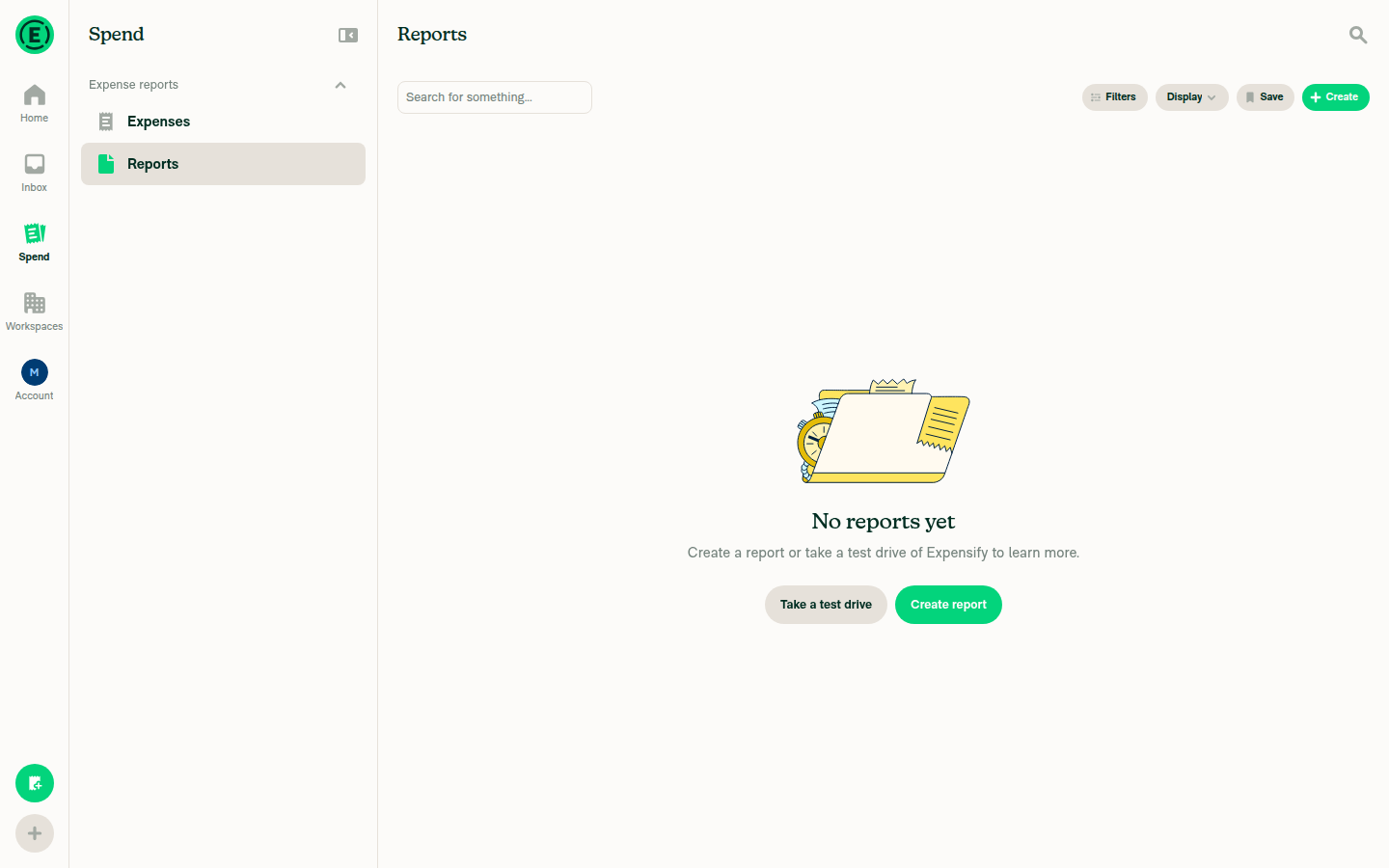 |
❌ |
Spend tab — confirm the Card statements option and the Selected > Export pathThe Spend sidebar contains a single group, "Expense reports", with only "Expenses" and "Reports". No "Card statements" option is present. The Workspaces tab shows "No workspaces yet", so this account is not a workspace or card admin and has no company card feed — exactly the condition under which the code hides that section.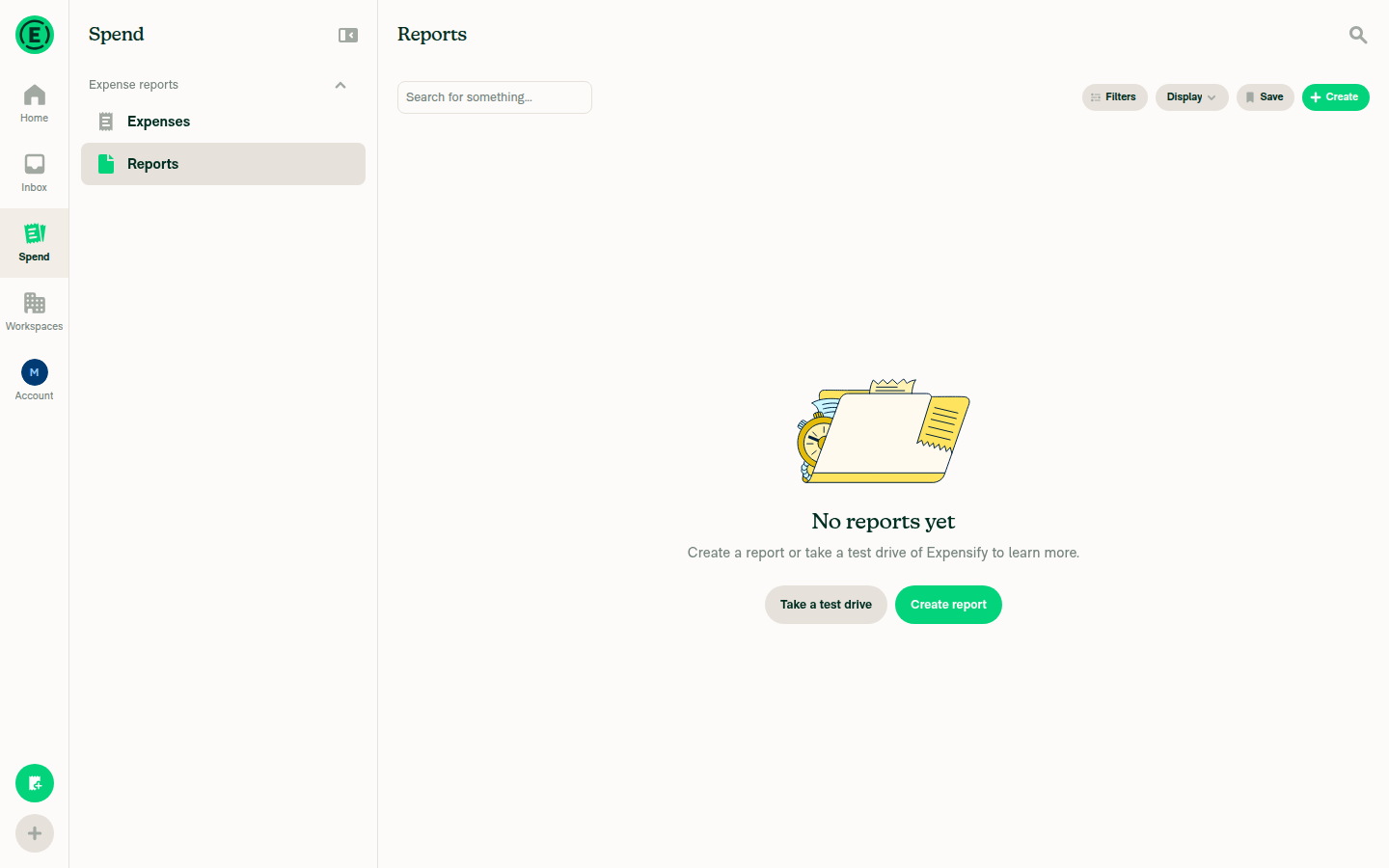 |
❌ |
No console errors were observed. Verifying the export template list end-to-end needs an account with an admin workspace, at least one expense and report, and a connected company card feed.
|
@MelvinBot let's open the PR |

Concierge reviewer checklist:
For more detailed instructions on completing this checklist, see How do I review a HelpDot PR as a Concierge Team member? |

|
@brianlee-expensify Please copy/paste the Reviewer Checklist from here into a new comment on this PR and complete it. If you have the K2 extension, you can simply click: [this button] |
|
🤖 Done — this PR is out of draft and ready for review. PullerBear picked up the ready-for-review event and assigned Checks: One thing still open for the reviewerI flagged this before opening and it hasn't been resolved, so repeating it here so it isn't missed in review. Two steps in the article tell members to look in a Reconciliation section, but the code puts Card statements under Accounting:
I left it alone because the wording predates this PR and fixing only the new line would make the article contradict itself. Reply |
![github-actions[bot]](https://avatars.githubusercontent.com/in/15368?s=60&v=4)
| - **Basic export** - Essential fields including date, amount, merchant, category, and receipt URL. | ||
| - **All Data - expense level** - One row per expense with all available data fields. | ||
| - **Canadian Multiple Tax Export** - One row per expense with a separate column for each tax (such as GST and PST). This template only appears when the workspace currency is set to CAD. | ||
| - **Reconciliation - All Expenses** - One row per expense with the fields used to reconcile card spend, such as posted date, card name, custom card name, bank, MCC, and expense status. This template only appears if you're a **Workspace admin** or **Card admin** of a workspace that has company cards or the Expensify Card enabled. |

There was a problem hiding this comment.
Terminology casing inconsistency: Use Title Case role names — **Workspace Admin** and **Card Admin** — to match the exact role labels used elsewhere in this article (e.g. "Workspace Admin" on the very next bullet). Per HELPSITE_NAMING_CONVENTIONS.md, match capitalization exactly and stay consistent.
There was a problem hiding this comment.
Not changing this — Title Case would break the convention this comment cites.
HELPSITE_NAMING_CONVENTIONS.md:21-22 says "Use the exact text shown in the product UI. Match capitalization exactly", and :37-39 says "Use Sentence case (match the UI exactly). Do not alter capitalization." The UI is the source of truth here, not the surrounding prose — the same file adds "If the UI changes, this document must be updated."
The product renders these role labels in sentence case. src/languages/en.ts:4838-4859 — roleName() returns 'Workspace admin' and 'Card admin', and the whole family follows suit ('People admin', 'Payments admin', 'Auditor', 'Editor', 'Member').
So **Workspace admin** / **Card admin** on line 73 is correct. The "your Workspace Admin" on line 74 is pre-existing text that predates the current UI casing — it's the stale one, and it's outside this PR's diff. Worth a separate sweep rather than churning it here.
| - **All Data - expense level** - One row per expense on the report with all available data fields. | ||
| - **All Data - report level** - One row per report with all available data fields. | ||
| - **Canadian Multiple Tax Export** - One row per expense with a separate column for each tax (such as GST and PST). This template only appears when the workspace's output currency is set to CAD. | ||
| - **Reconciliation - All Expenses** - One row per expense with the fields used to reconcile card spend, such as posted date, card name, custom card name, bank, MCC, and expense status. This template only appears if you're a **Workspace admin** or **Card admin** of a workspace that has company cards or the Expensify Card enabled. |
There was a problem hiding this comment.
Terminology casing inconsistency: Use Title Case role names — **Workspace Admin** and **Card Admin** — to match "Workspace Admin" used on the following bullet and throughout the article. Per HELPSITE_NAMING_CONVENTIONS.md, match capitalization exactly and stay consistent.
There was a problem hiding this comment.
Not changing this — Title Case would break the convention this comment cites.
HELPSITE_NAMING_CONVENTIONS.md:21-22 says "Use the exact text shown in the product UI. Match capitalization exactly", and :37-39 says "Use Sentence case (match the UI exactly). Do not alter capitalization."
The product renders these role labels in sentence case: src/languages/en.ts:4838-4859 — roleName() returns 'Workspace admin' and 'Card admin'.
So **Workspace admin** / **Card admin** on line 59 is correct. The "your Workspace Admin" on line 60 is pre-existing text that predates the current UI casing, and it's outside this PR's diff.
| 3. Select **Export**. | ||
| 4. Choose an export template to download the results as a CSV file. | ||
|
|
||
| Workspace Admins and Card admins of a workspace with the Expensify Card enabled also see the **Reconciliation - All Expenses** template in this menu. It returns one row per expense with the fields used to reconcile card spend, such as posted date, card name, custom card name, bank, MCC, and expense status. |
There was a problem hiding this comment.
Terminology casing inconsistency: This article uses "Workspace Admins" (Title Case) elsewhere, but here "Card admins" is lowercase. Use consistent Title Case role names (e.g. "Card Admins"). Per HELPSITE_NAMING_CONVENTIONS.md, match capitalization exactly.
There was a problem hiding this comment.
Half right — there is a real inconsistency on this line, but the fix goes the other way.
Line 55 reads "Workspace Admins and Card admins", which mixes both casings inside one sentence. That's mine and it shouldn't ship. But the correct resolution is sentence case for both, not Title Case for both.
HELPSITE_NAMING_CONVENTIONS.md:21-22 says "Use the exact text shown in the product UI. Match capitalization exactly", and :37-39 says "Use Sentence case (match the UI exactly)." The product renders these labels in sentence case — src/languages/en.ts:4838-4859, where roleName() returns 'Workspace admin' and 'Card admin'.
The catch: this article uses "Workspace Admins" in four other places (lines 4, 5, 16, 96), all pre-existing and all outside this PR's diff. Fixing only line 55 makes it match the UI but diverge from the rest of the article; fixing the whole article is a bigger change than this PR's scope.
dukenv0307 — do you want line 55 changed to "Workspace admins and Card admins" here, or should the whole-article casing sweep go in a separate docs PR?

There was a problem hiding this comment.
@MelvinBot Yes make it Workspace admins and Card admins
There was a problem hiding this comment.
Done — pushed as 26e7882.
Line 55 now reads "Workspace admins and Card admins of a workspace with the Expensify Card enabled…" — View-and-Reconcile-Expensify-Card-Expenses.md:55.
I applied the same one-word fix to Statement-Matching-and-Reconciliation.md:5, the internalScope front matter I asked about in the other thread. It had the identical defect — "Workspace Admins and Card admins" mixing both casings in one sentence — and this PR introduced it too, so leaving it would have shipped the same problem you just told me to fix. Say the word if you'd rather I revert that half.
The diff is two words. Nothing else changed:
-Workspace Admins and Card admins of a workspace with the Expensify Card enabled also see…
+Workspace admins and Card admins of a workspace with the Expensify Card enabled also see…

-internalScope: Audience is Workspace Admins and Card admins reconciling third-party…
+internalScope: Audience is Workspace admins and Card admins reconciling third-party…
Still open, and not touched here
Pre-existing Title Case, outside this PR's diff. View-and-Reconcile-Expensify-Card-Expenses.md still says "Workspace Admins" on lines 4, 5, 16, and 96, and Statement-Matching-and-Reconciliation.md on line 16. Those now differ from the two lines I just fixed. That is the whole-article sweep I flagged — still best as its own docs PR.
The Codex reviewer's P2 on line 49 has no reply yet. It argues the select-all step can't reach the template, because the Card statements query is grouped by card and useSearchBulkActions.ts suppresses template exports for grouped selections, leaving only Export current view. I have not verified that claim. If it holds, step 3 of the new export section needs rewording. Reply @MelvinBot check the Codex comment and I'll trace it.
Local checks. npm run spell-changed couldn't run in this environment — the script died at git merge-base failed against a shallow origin/main, unrelated to the change. CI spellcheck runs on the push and is the authoritative gate. Per the test-selection matrix, a markdown-only content change under docs/articles triggers no other required-local tests.
|
|
||
| The Card statements option appears only when your workspace has at least one company card feed connected. If you don’t see it, confirm that a company card feed is set up and active. | ||
|
|
||
| ## Why Don't I See the Reconciliation - All Expenses Export Template? |
There was a problem hiding this comment.
Terminology casing inconsistency: **Workspace admin** and **Card admin** are lowercase here, but the rest of this article uses "Workspace Admins" (Title Case). Use consistent Title Case role labels (e.g. **Workspace Admin**, **Card Admin**). Per HELPSITE_NAMING_CONVENTIONS.md, match capitalization exactly.
There was a problem hiding this comment.
Not changing the flagged text — Title Case would break the convention this comment cites.
The role labels in this section are on line 78, and they read **Workspace admin** / **Card admin**, which is correct. HELPSITE_NAMING_CONVENTIONS.md:21-22 says "Use the exact text shown in the product UI. Match capitalization exactly", and :37-39 says "Use Sentence case (match the UI exactly)." The product renders them in sentence case: src/languages/en.ts:4838-4859, where roleName() returns 'Workspace admin' and 'Card admin'.
One thing the comment missed: the internalScope front matter on line 5, which this PR did change, reads "Workspace Admins and Card admins" — that genuinely does mix both casings in one sentence. It's internal metadata rather than customer-facing copy, so it isn't urgent, but I can make it sentence case if you'd like it consistent.
The "Workspace Admins" on line 16 is pre-existing and outside this PR's diff.
|
@MelvinBot Check the reviewer comments |
![chatgpt-codex-connector[bot]](https://avatars.githubusercontent.com/in/1144995?s=60&v=4)

There was a problem hiding this comment.
💡 Codex Review
Here are some automated review suggestions for this pull request.
Reviewed commit: b2dd540959
ℹ️ About Codex in GitHub
Codex has been enabled to automatically review pull requests in this repo. Reviews are triggered when you
- Open a pull request for review
- Mark a draft as ready
- Comment "@codex review".
If Codex has suggestions, it will comment; otherwise it will react with 👍.
When you sign up for Codex through ChatGPT, Codex can also answer questions or update the PR, like "@codex address that feedback".
|
|
||
| 1. Click the navigation tabs (on the left on web, on the bottom on mobile) and go to **Spend**. | ||
| 2. In the **Reconciliation** section, select **Card statements**. | ||
| 3. Select the checkbox next to each transaction you want to export, or use the top checkbox to select all. |
There was a problem hiding this comment.

When the top checkbox selects the loaded Card statements results, this workflow cannot reach the template named in step 6. The Card statements query is always grouped by card (SearchUIUtils.ts), toggleAll marks those transactions as selected via their groups (SearchWriteActionsProvider.tsx), and useSearchBulkActions.ts suppresses all template exports whenever a grouped selection is present, leaving only Export current view. Document selecting individual transaction rows instead, or explain how to leave grouping/select all matching so that Reconciliation - All Expenses remains available.
Useful? React with 👍 / 👎.
|
🤖 Checked all four reviewer comments — I'm rejecting the casing change they ask for All four are from the AI reviewer and make the same argument: change
The product renders these labels in sentence case. Two lines I do want your call onThe reviewer was half right in two places — not about Title Case, but because I mixed both casings inside a single sentence:
I left both alone because fixing them cleanly is a trade-off, not a one-liner. Sentence case matches the UI but leaves each line out of step with four other pre-existing "Workspace Admins" usages in the same article; Title Case matches the article but contradicts the product. Either way one axis breaks, so I didn't want to pick for you. Reply Recommended follow-upThese articles have drifted from the current UI in two ways, both pre-existing and both bigger than this PR:
Say the word and I'll open an issue for a single sweep covering both. I did not run the app for this one — the question was which string the product renders, and |
|
@stephanieelliott All yours! |

|
HelpDot Documentation Review OVERALL ASSESSMENT SCORES SUMMARY
KEY FINDINGS
RECOMMENDATIONS
FILES REVIEWED
Note: Detailed line-by-line feedback has been provided as inline comments. |
Line 55 of View-and-Reconcile-Expensify-Card-Expenses.md and the internalScope front matter of Statement-Matching-and-Reconciliation.md each mixed Title Case and sentence case in one sentence ("Workspace Admins and Card admins"). Both lines were added by this PR. Sentence case matches the product, where roleName() in src/languages/en.ts returns 'Workspace admin' and 'Card admin', and matches docs/HELPSITE_NAMING_CONVENTIONS.md, which says to match the UI capitalization exactly.

Co-authored-by: Nguyen Van Duc <dukenv0307@users.noreply.github.com>
 github-actions
Bot
changed the title
github-actions
Bot
changed the title

|
A preview of your ExpensifyHelp changes have been deployed to https://ceb78ff5.helpdot.pages.dev ⚡️ Updated articles: |
3 participants


Explanation of Change
Help site follow-up to #99309, which added the
Reconciliation - All Expensesexport template to the Search export menu for workspace and card admins of a workspace with company cards or the Expensify Card enabled.The help site listed every other pre-built export template but not this one, and neither reconciliation article explained how to pull the reconciliation data out as a CSV. This PR documents the new template where members already look for it:
docs/articles/new-expensify/reports-and-expenses/How-to-Export-Expenses.md— added Reconciliation - All Expenses to the "What export templates can I choose from?" list, including who sees it.docs/articles/new-expensify/reports-and-expenses/How-to-Export-Reports.md— same addition to its template list.docs/articles/new-expensify/reports-and-expenses/Statement-Matching-and-Reconciliation.md— new "How to Export Company Card Transactions for Reconciliation" section with the steps from Spend > Card statements, the fields the export returns, and a FAQ entry for when the template isn't visible.docs/articles/new-expensify/expensify-card/View-and-Reconcile-Expensify-Card-Expenses.md— called out the template in the existing export section and added the missing Export step.Wording follows
docs/HELPSITE_NAMING_CONVENTIONS.md,docs/HELP_AUTHORING_GUIDELINES.md, anddocs/TEMPLATE.md. Label capitalization comes from the merged code: the template label isReconciliation - All Expenses(src/CONST/index.ts,src/languages/en.ts), and the role labels are Workspace admin and Card admin (src/languages/en.ts). The eligibility rule matchesisAdminOfCardEnabledPolicyinsrc/libs/PolicyUtils.ts— workspace admin or card admin, plusareCompanyCardsEnabledorareExpensifyCardsEnabled.Fixed Issues
$ #99172
PROPOSAL:
Tests
This PR changes help site markdown under
docs/articlesonly — there is no app code in the diff, so there is nothing to exercise in the product. The content was verified against the merged code from #99309 rather than by running the app:Reconciliation - All Expenses, matchingCONST.REPORT.EXPORT_OPTIONS.RECONCILIATION_ALL_EXPENSESinsrc/CONST/index.tsandexport.reconciliationAllExpensesinsrc/languages/en.ts.isAdminOfCardEnabledPolicyinsrc/libs/PolicyUtils.ts: workspace admin or card admin, and the workspace hasareCompanyCardsEnabledorareExpensifyCardsEnabled.includeReconciliationAllExpensesbranch ingetExportTemplates(src/libs/actions/Search.ts) andhasCardEnabledAdminPolicyinsrc/hooks/useSearchBulkActions.ts.src/languages/en.ts.Offline tests
Not applicable. This PR changes help site markdown only.
QA Steps
[No QA] — help site markdown only. No app code changed, so there is no product behavior for QA to exercise.
PR Author Checklist
Note: this is a docs-only PR — the diff touches four markdown files under
docs/articlesand no app code, tests, styles, assets, or components. The items below covering app code, unit tests, native platforms, CSS, assets, Storybook, and generic components are therefore not applicable.### Fixed Issuessection aboveTestssectionOffline stepssectionQA stepssectionAvatar, I verified the components usingAvatarare working as expected)StyleUtils.getBackgroundAndBorderStyle(theme.componentBG))npm run compress-svg)Avataris modified, I verified thatAvataris working as expected in all cases)Designlabel and/or tagged@Expensify/designso the design team can review the changes.mainbranch was merged into this PR after a review, I tested again and verified the outcome was still expected according to theTeststeps.Screenshots/Videos
N/A — this PR changes help site markdown under
docs/articlesonly. There are no app UI changes to capture on any platform.Android: Native
N/A — docs-only change.
Android: mWeb Chrome
N/A — docs-only change.
iOS: Native
N/A — docs-only change.
iOS: mWeb Safari
N/A — docs-only change.
MacOS: Chrome / Safari
N/A — docs-only change.
@dukenv0307, please review the files changed and confirm they reflect the current behavior. Then post a new comment saying
@MelvinBot mark this PR as ready for review.