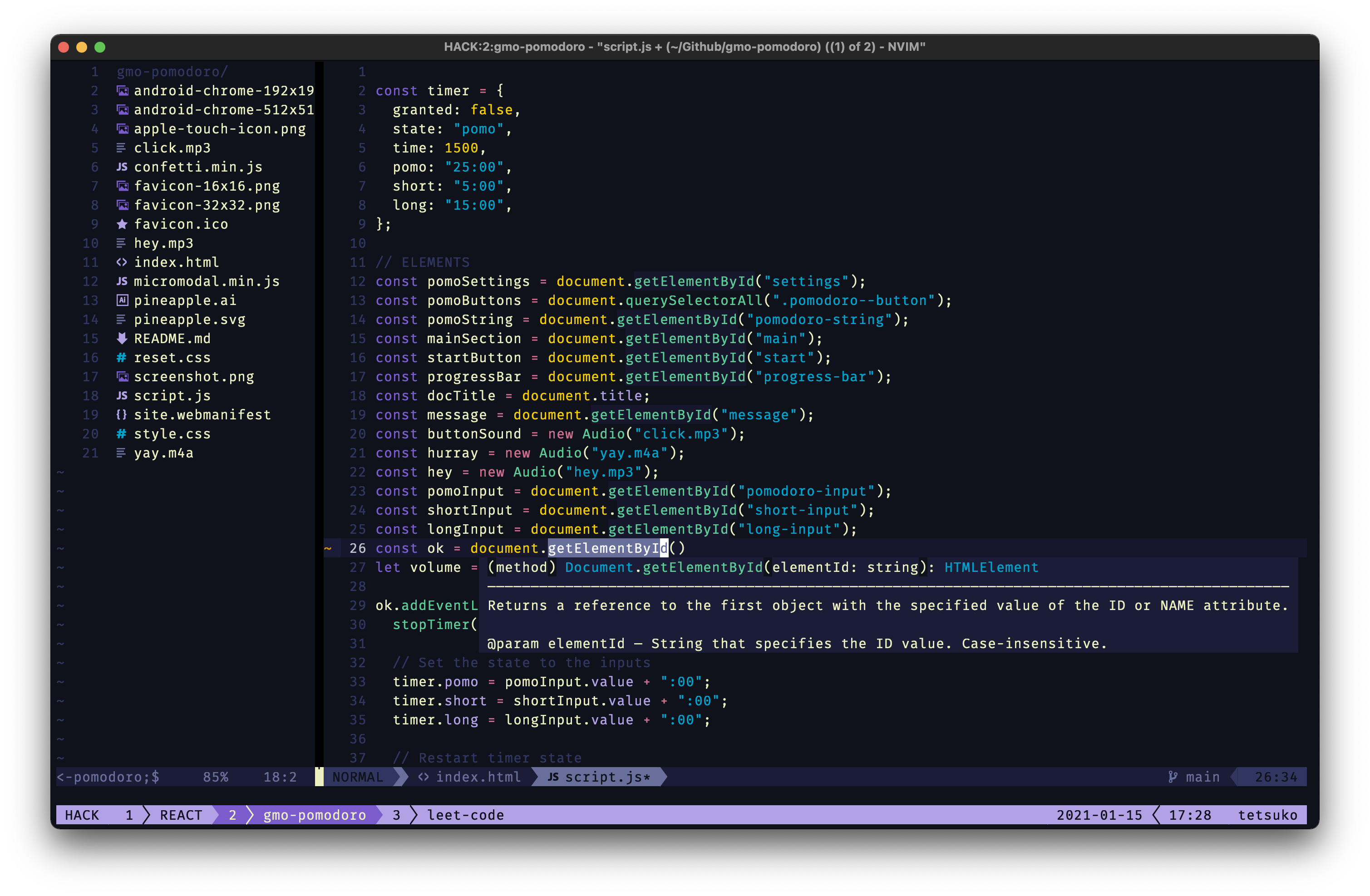
This is Nvim spaceduck theme port written in Lua.
This theme was inspired from my incessant desire to feel like I'm in space when I stare at a computer. "Spaceduck" takes its name from my love of duck dodgers as a kid.

Basically languages I looked at with my eyes to make sure they didn't look like poop.
Languages:
Note: if something looks off please submit an issue with a screenshot
- C, C++, fortran, haskell, html, java, javascript, markdown, php, python, ruby, sql, LaTeX, typescript
use({ "spaceduck-theme/nvim", as = "spaceduck" }){ "spaceduck-theme/nvim", name = "spaceduck", priority = 1000 }If you have structure your plugins lua/plugins folder with a file per plugin, or a separate file
return {
    "spaceduck-theme/nvim",
    name = "spaceduck",
    lazy = false,
    priority = 1000,
    config = function()
        vim.cmd[[colorscheme spaceduck]]
    end
}
We use semver on spaceduck so you can refer to a specific tag if you want instead of the master branch.


require("lualine").setup({
  options = {
    theme = "spaceduck",
  },
})return {
"nvim-lualine/lualine.nvim",
dependencies = { 'nvim-tree/nvim-web-devicons' },
opts = {
options = {
theme = 'spaceduck',
},
},
}We welcome all contributions. Before you contribute you should be aware of some tooling we have in place to help us maintaining this project.
We use gitmoji and semantic-release to respectively give meaning to our commits and automatically version the project based on these commits. gitmoji has a lot of different emojis you can use to give meaning to your commits. We recommend you check the link given to familiarize yourself with it. They provide a quizz website to learn it.
To assist you in writing your commits when you develop on this project, we recommend you to use gitmoji-cli.
To inspect the highlight groups used for a specific portion of text, you can use the built-in command :Inspect provided by NeoVim.