




A comprehensive way to find parts for your new PC powered with AI decisions!
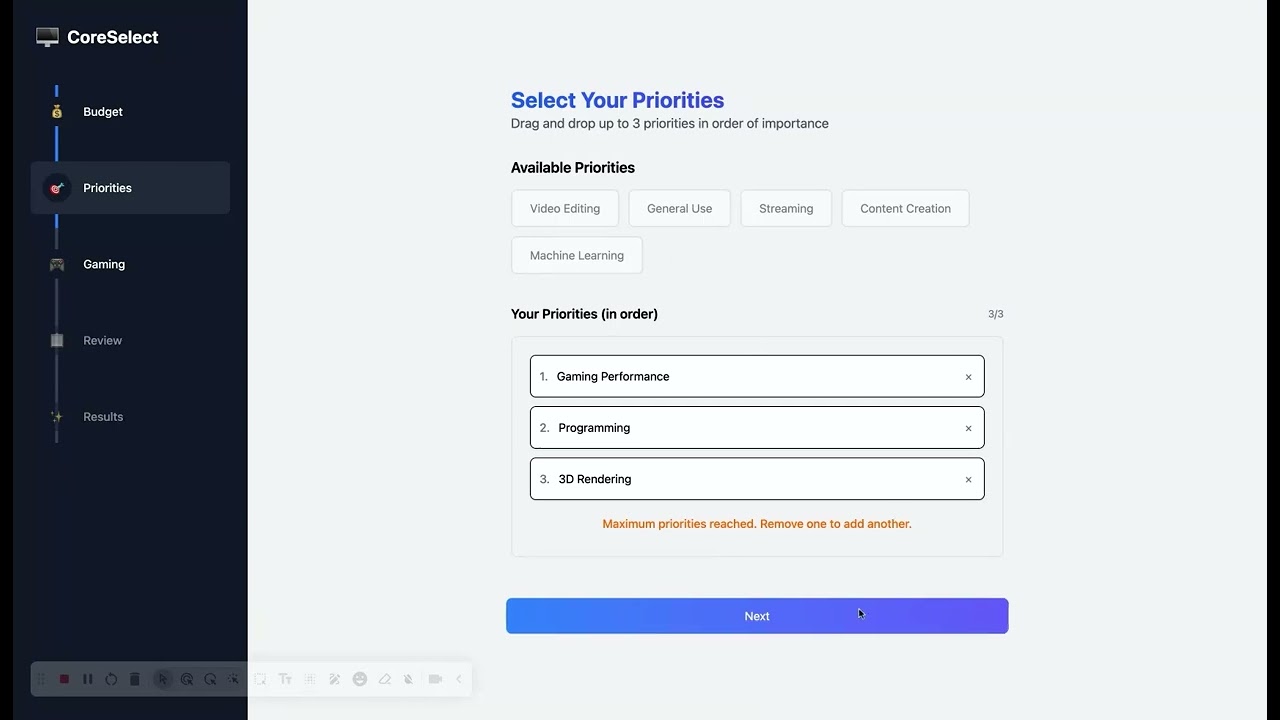
-
Install Node.js
Note: NPM should install with Node.js -
Install [Python] https://www.python.org/downloads/
Note: Python version used to setup environment is 3.12.0 -
Open the project root directory within the command line
-
While inside the project root directory, go into the client directory
-
While inside the client directory, install all the required dependecies with
npm i -
Launch the app on your localhost with
npm run dev
- The client should be running on http://localhost:5173/
-
While inside the project root directory, go into the server directory
-
While inside the server directory, install all the required dependecies with
pip3 install -r requirements.txt
- This will install all of the libraries needed to run flask
- Launch the server on your localhost with
flask run -p 8000
- The server should be running on http://127.0.0.1:8000/
This project was created by: